


How to Register at B9Casino
Step-by-Step Sign-Up Guide
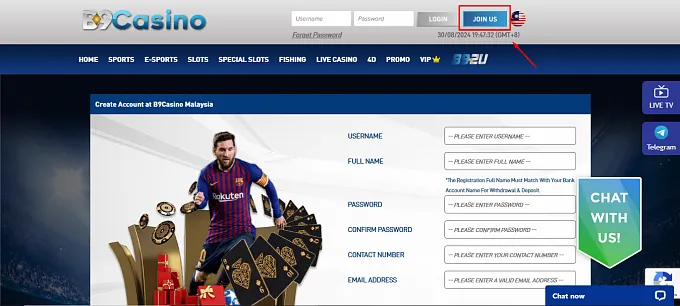
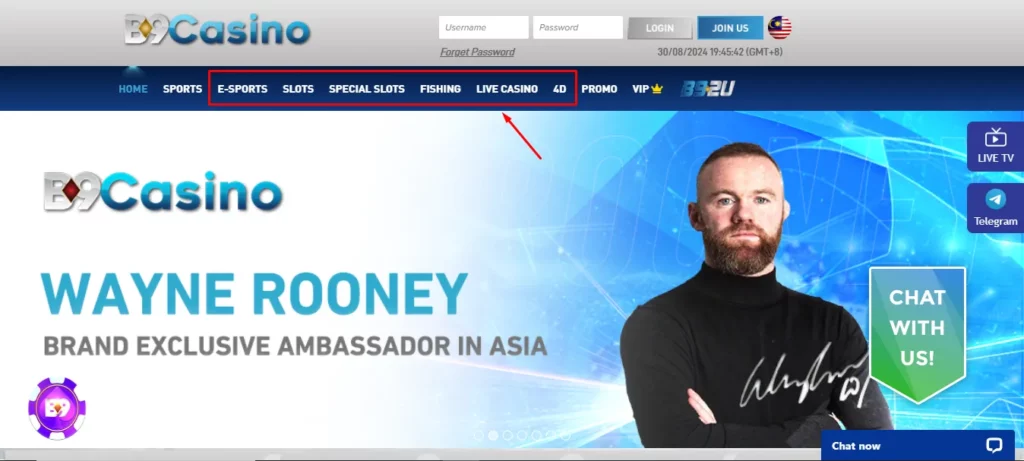
Registering at B9Casino is a straightforward process designed to get you playing as quickly as possible. Begin by visiting the official B9Casino website and clicking the Register or Sign Up button, which is prominently displayed in the top section of the homepage. This opens the registration form where you will enter your personal and account details. The entire form takes most players under five minutes to complete, and no prior account on any other platform is required.
Filling in Your Account Details
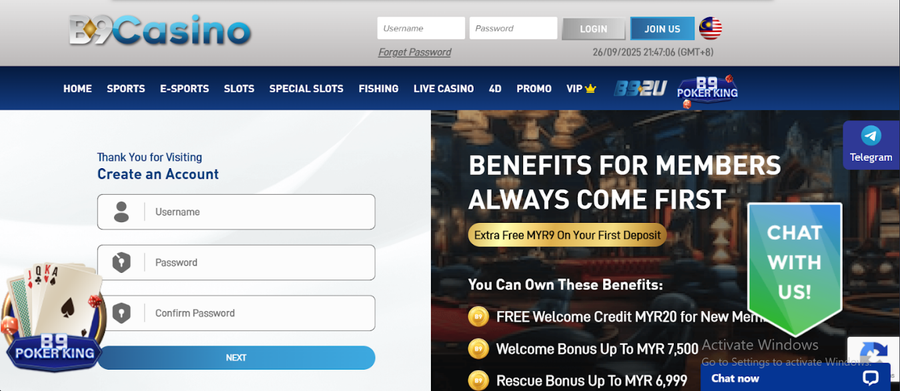
The registration form asks for standard information that helps the platform verify your identity and set up your account correctly. You will need to provide your full name as it appears on your official identification, a valid email address that you have regular access to, your date of birth, your country of residence, and a mobile phone number. Some fields may also ask for your preferred currency, which for Malaysian players will typically be Malaysian Ringgit.
Take care when entering your details, particularly your name and date of birth. These must match the documents you may later be asked to submit for verification. Errors at this stage can cause delays when you try to withdraw winnings in the future.
Creating a Secure Login
As part of the registration process you will create a username and password for your account. Choose a password that is at least eight characters long and combines uppercase and lowercase letters, numbers, and at least one special character. Avoid using easily guessed information such as your name or date of birth as part of your password.
Once your form is submitted, B9Casino will send a confirmation email to the address you provided. Click the link in that email to verify your address and activate your account. If you do not see the email within a few minutes, check your spam or junk folder before requesting a resend.
Account Verification
Why Verification Is Important
| Aspect | Details | Notes |
|---|---|---|
| What is KYC? | Account verification (Know Your Customer) — a standard requirement at licensed online gaming platforms | Industry-wide standard for licensed operators |
| Purpose | Confirms identity, minimum age requirement, and ownership of payment methods | Protects both the player and the platform from fraud |
| Required to browse / deposit? | No — verification is not required to browse the platform or make a first deposit | B9Casino specific policy |
| Required to withdraw? | Yes — must be completed before the first withdrawal can be approved | Ensures withdrawals are processed without complications |
| Recommendation | Start the verification process early, before you are ready to cash out | Avoids delays when requesting a withdrawal |
Documents You May Need
The standard documents requested during KYC verification at B9Casino include a government-issued photo identification such as a Malaysian national identity card or passport, and proof of your residential address such as a recent utility bill or bank statement dated within the last three months. If you are depositing via a bank account or e-wallet, you may also be asked to provide a screenshot or statement showing that the payment method belongs to you.
All documents should be clear, fully visible, and unedited. Photographs taken on a smartphone are acceptable as long as the text and images on the document are sharp and readable.
How to Complete KYC Smoothly
Log in to your B9Casino account and navigate to the verification or account settings section. Upload clear images of each required document using the upload tool provided. Make sure the four corners of each document are visible in the image and that there is no glare or shadow obscuring any details. Once submitted, the verification team typically reviews documents within a short processing window.
You will receive a notification by email or within the platform when your account has been verified. If any document is rejected or requires resubmission, the platform will specify the reason so you can address it promptly.
First Deposit After Registration

Available Payment Methods
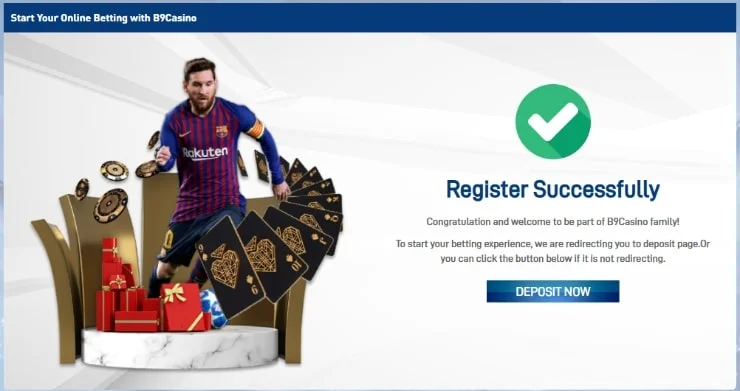
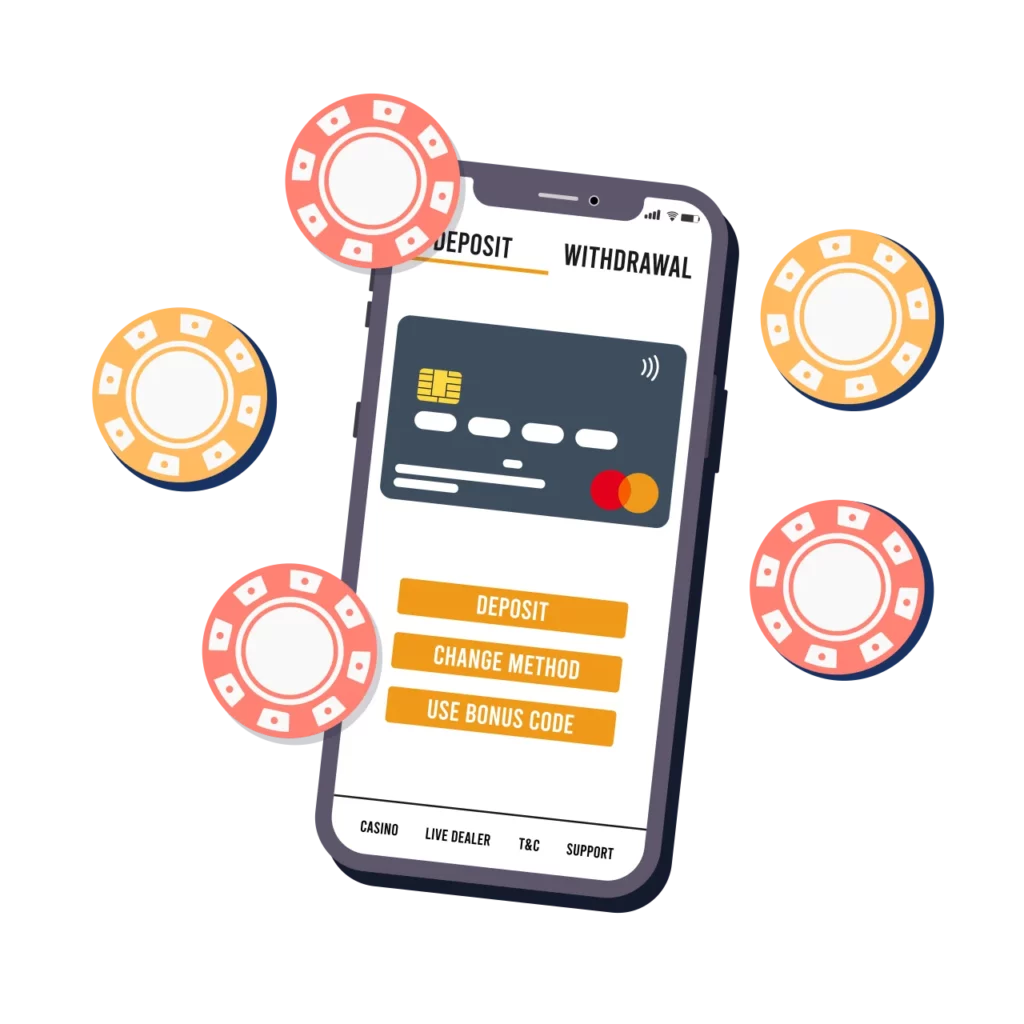
B9Casino supports a range of payment methods suited to Malaysian players. Local bank transfers from major Malaysian banks are among the most commonly used options, offering familiarity and reliability. Popular e-wallets provide a faster alternative for players who prefer digital payments. Cryptocurrency deposits may also be available for those who value speed and privacy.
To make your first deposit, log in and navigate to the cashier or banking section. Select your preferred deposit method from the list of available options. Each method displays its own processing time and any relevant instructions for completing the transfer.
Minimum Deposit Details
B9Casino sets its minimum deposit amount at a level that is accessible for most players. The exact minimum varies slightly depending on the payment method you choose, but the platform is designed to be welcoming to players across a range of budgets. Check the cashier section for the current minimum amounts listed alongside each payment option before initiating your transaction.
It is worth noting that some welcome bonuses have a minimum qualifying deposit requirement. Review the bonus terms before depositing to ensure your first payment meets the threshold needed to activate the offer.
Activating Your Account Balance
Once your deposit is confirmed, the funds are credited to your main account balance almost immediately for most payment methods. Bank transfers may occasionally take slightly longer depending on your bank’s processing times. Your balance is displayed in the top section of the screen and updates automatically once the transaction is complete.
If a welcome bonus was available and you opted in during the deposit process, your bonus funds or free spins will appear in your account alongside your deposited balance. Bonus funds are typically held separately and subject to wagering requirements before they can be withdrawn.
Getting Started After Sign-Up

How to Enter the Game Lobby
After your account is funded, the game lobby is your starting point for casino play. Access it through the main navigation menu by selecting Casino, Slots, or Live Casino depending on what you want to play. The lobby displays featured games, new releases, and popular titles. You can browse by category or use the search bar to find a specific game by name or provider.
Most games can be launched with a single tap or click directly from the lobby without any additional loading screens. Your account balance is visible throughout so you always know how much you have available to play with.
How to Claim the Welcome Bonus
If B9Casino is running a welcome bonus for new registrations, you can find the details in the Promotions section. Some bonuses are credited automatically after your first qualifying deposit, while others require you to enter a bonus code during the deposit process or opt in through the promotions page. Read the full terms of the offer before activating it, paying attention to the wagering requirement, the minimum odds for sports bets if applicable, and the time limit for using the bonus.
Once the bonus is active, eligible games will be clearly indicated, and your bonus balance will be shown separately from your real money balance in the cashier.

Choosing Your First Game or Bet
New players often find it helpful to start with games that have straightforward rules and a wide range of stake sizes. Online slots are a popular first choice because they require no prior knowledge and allow you to play at low stakes while getting familiar with the platform. For sports betting, starting with a single match bet on a sport you follow closely is a practical way to get comfortable with the sportsbook interface before exploring more complex markets.
The live casino is available immediately after registration and is worth visiting even as a new player, as the dealer-hosted format provides clear guidance on how each hand or round is played.
Common Registration Issues
Sign-Up Errors
| Issue | Cause | Solution |
|---|---|---|
| Form won’t submit | Required fields incomplete, email has spaces or typos, or password doesn’t meet strength requirements | Check all fields are filled correctly, remove spaces from email, and use a stronger password |
| Registration blocked by VPN | Platform detects a location mismatch when a VPN is active | Disable the VPN before registering |
| Email already in use | The email address is already linked to an existing account | Go to the login page and use “forgot password” to recover the original account — do not create a duplicate |
Verification Delays
Verification delays usually occur when submitted documents are unclear, partially obscured, or do not match the details entered during registration. If your verification is taking longer than expected, check your email for any communication from the B9Casino team requesting additional information or a clearer copy of a document. Resubmitting promptly and ensuring all images are high quality will speed up the process.
Players who registered with a name that differs slightly from their ID documents, such as a nickname versus a full legal name, may need to contact support to have the discrepancy resolved before verification can be completed.
Support for New Players
B9Casino provides dedicated customer support for players who encounter difficulties during registration or verification. The live chat service is available around the clock and is the fastest way to get assistance. Support agents can help with form errors, resending verification emails, document submission guidance, and any other issues that arise during the onboarding process. For less urgent matters, email support is also available and typically receives a response within a reasonable timeframe.